No LG ads
No banner, no sponsored content rows, no screensaver ads, no ad cookie.
 LGlow
ES
GitHub
LGlow
ES
GitHub
Open source · LG webOS 4.5 · 2019 TVs
A clean, fast, ad-free home screen built on top of the stock one. Trending picks from your own apps, the weather at a glance, big app tiles, and more free memory. One command to undo.
Before & after
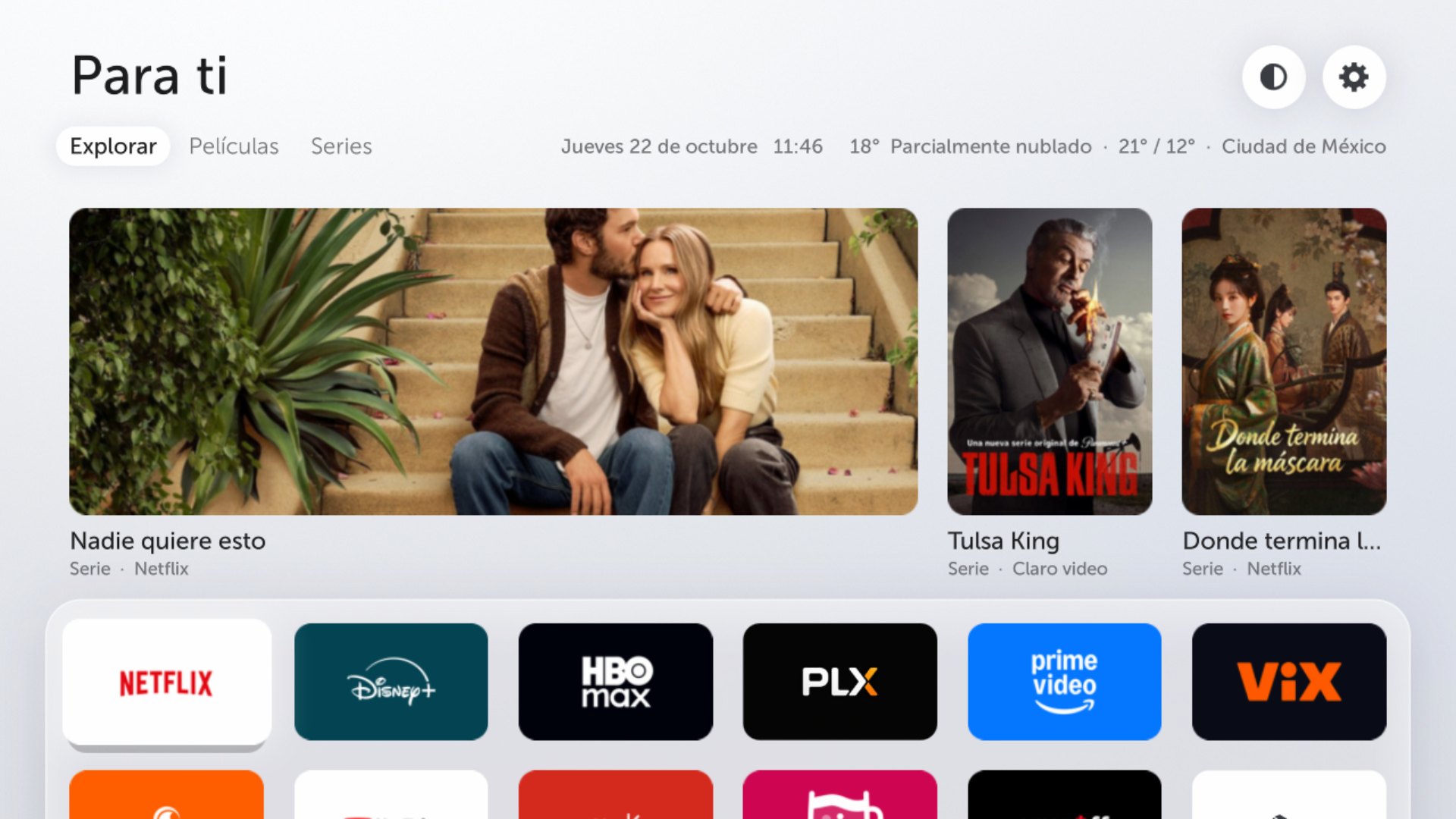
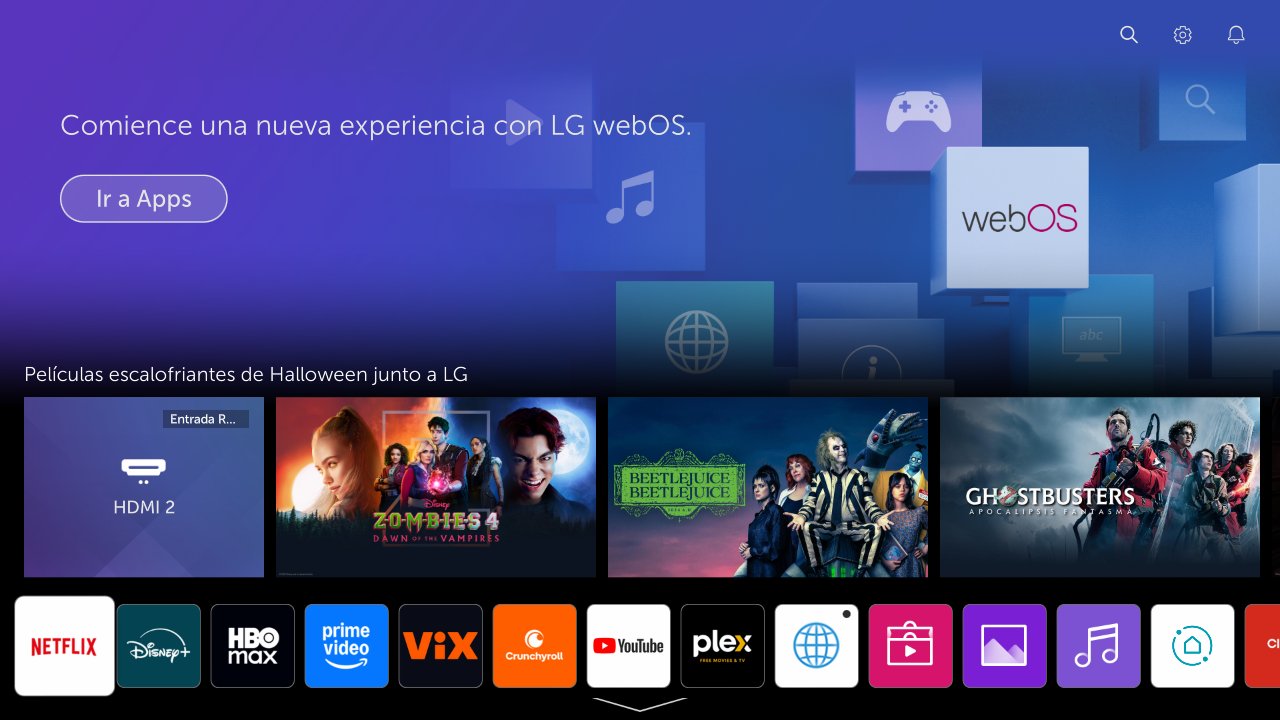
Drag the handle. Out go the LG banner, the sponsored rows and the wall of system apps. In comes what's trending in your apps.
What you get
No banner, no sponsored content rows, no screensaver ads, no ad cookie.
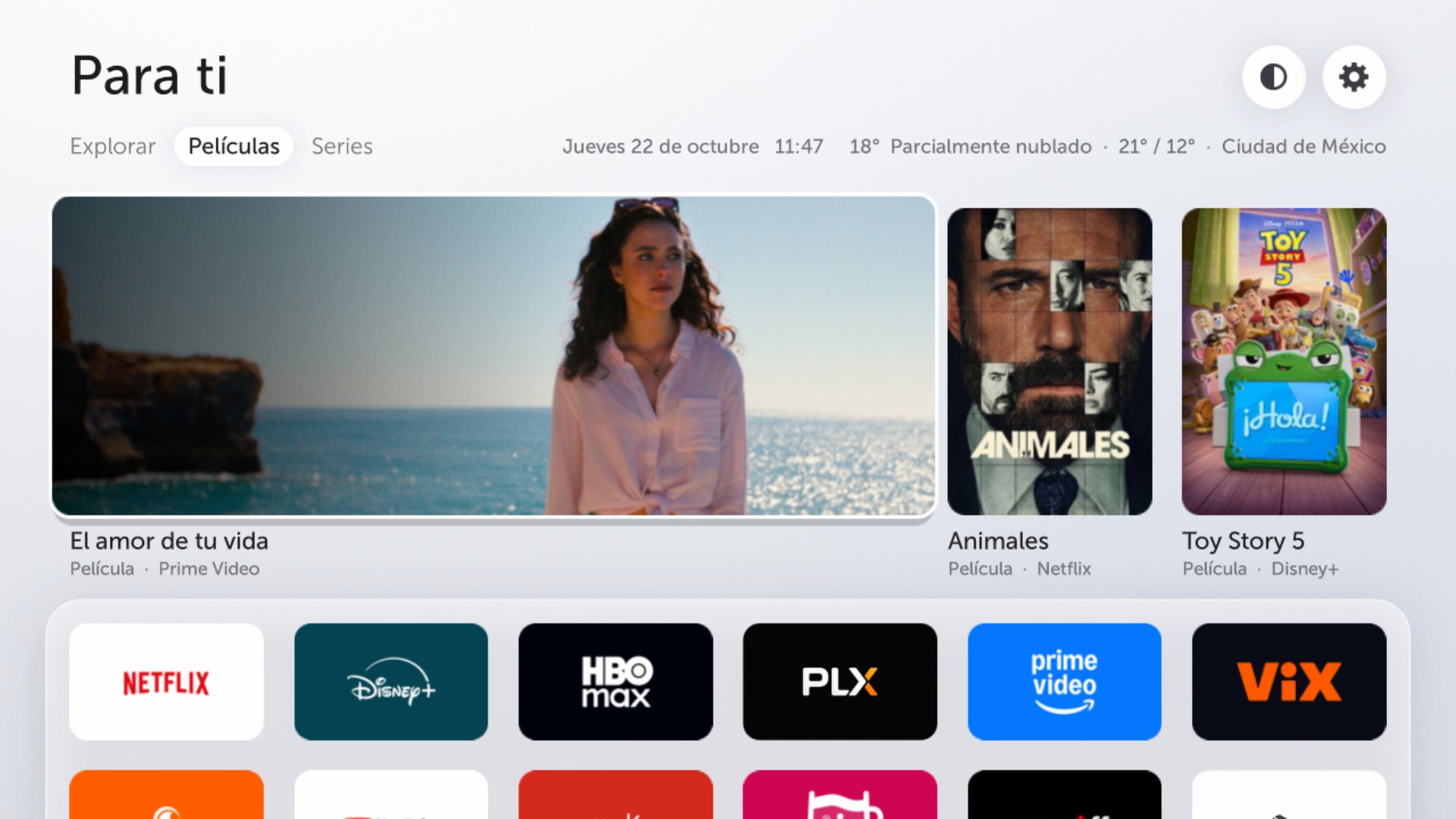
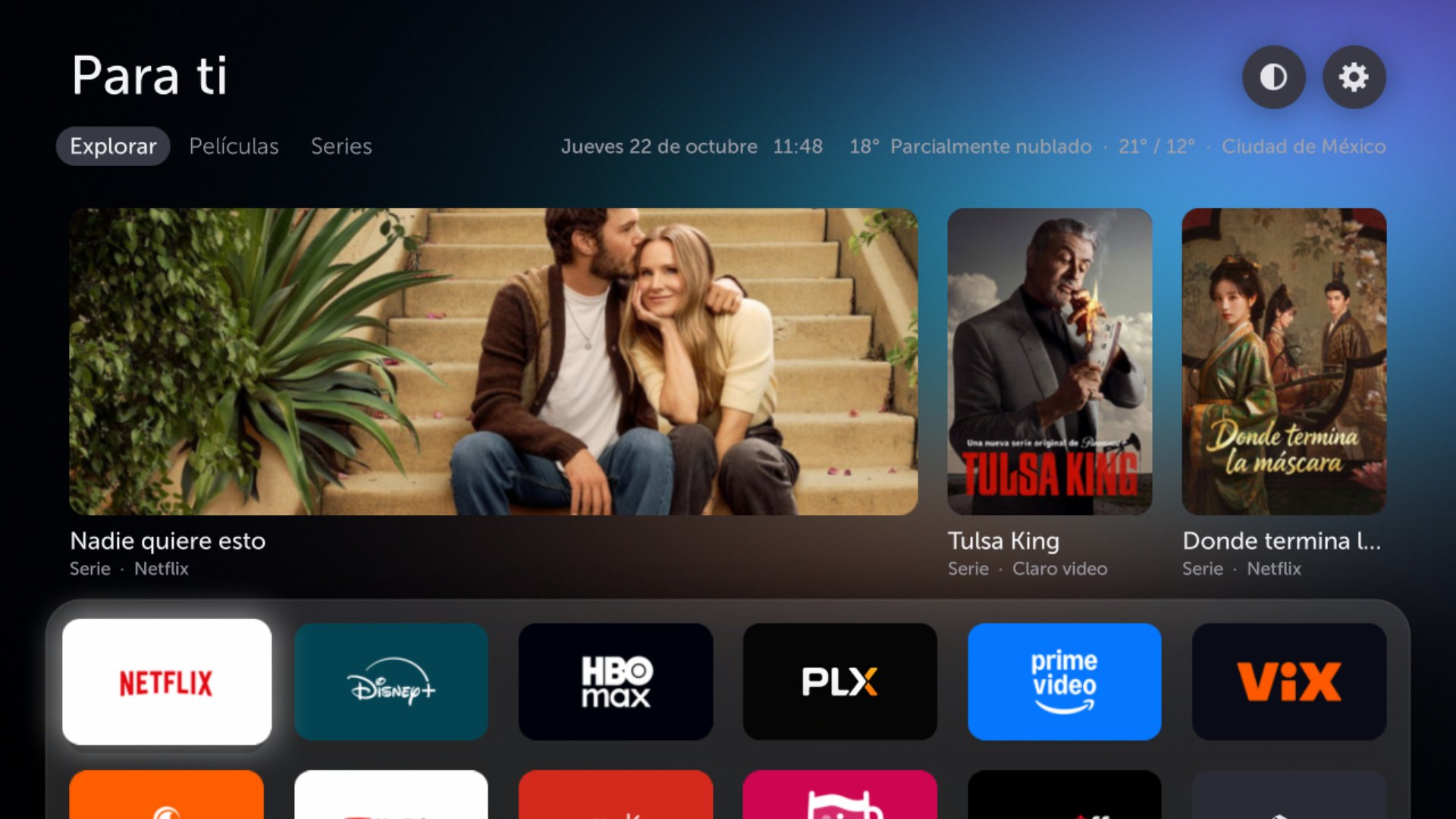
Three trending titles every hour, only from apps you have. Explore, Movies and Shows tabs. OK opens the app that has it.
For your city, at a glance. Powered by Open-Meteo, no key needed.
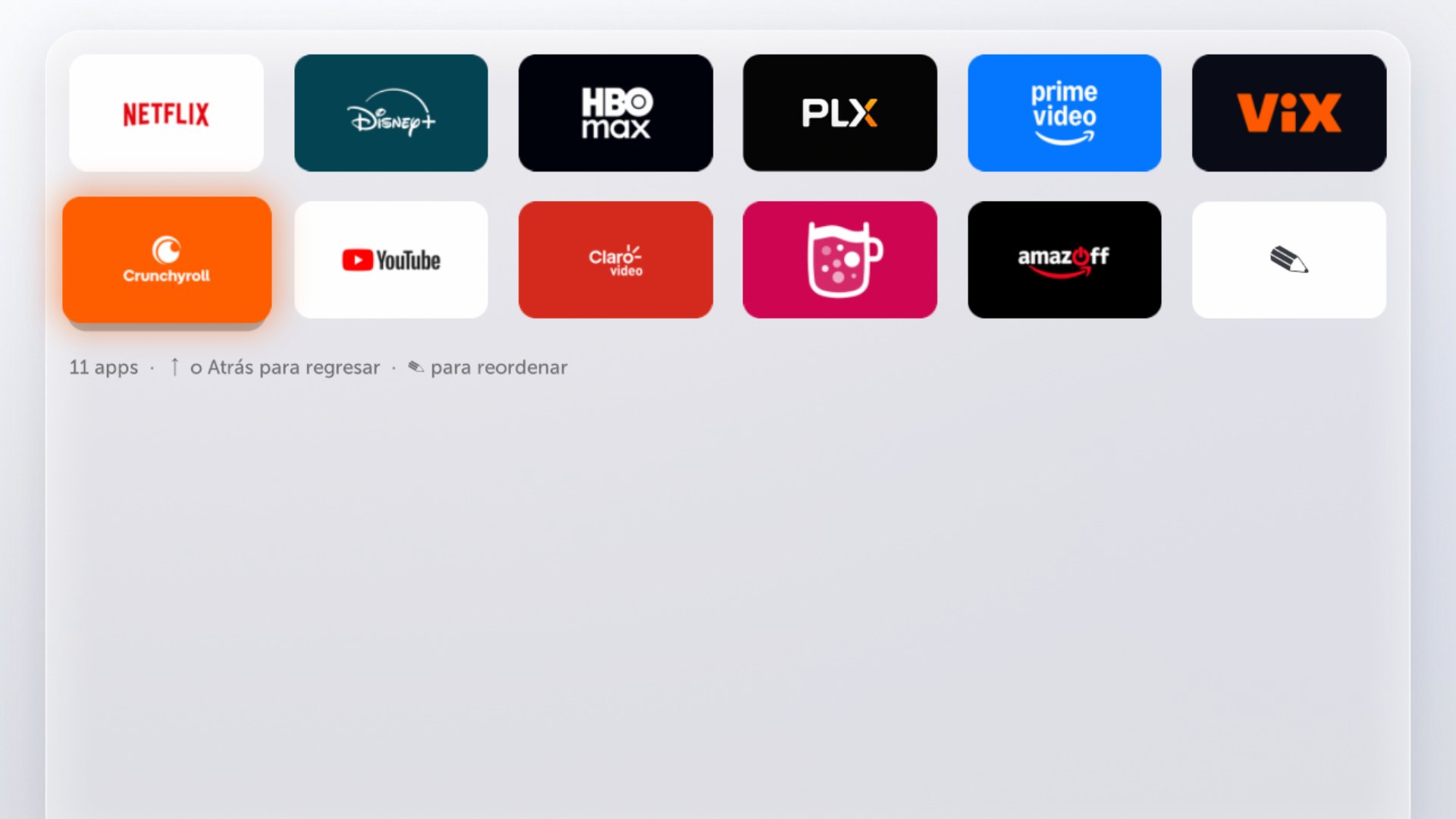
One row of your 6 favorite apps in each brand's color. The rest peeks out below: press ↓ and the home scrolls down to all of them.
The old launcher bar stops running and LG stops preloading Netflix, YouTube and Prime behind your back.
Disables a Developer Mode trap that wipes Homebrew Channel and root on the next reboot.
A closer look
LGlow vs Free My TV
Free My TV inspired LGlow's design, and it's a great pick if you don't want to root. LGlow goes deeper.
| Free My TV on LG | LGlow | |
|---|---|---|
| What it is | Another app (a launcher), installed through Developer Mode | Replaces the system's own home, the one the Home button opens |
| LG's home | Stays, ads included. Opens with a number key | Gone. Home opens the new one directly |
| Root | Not needed | Required |
| Developer Mode | Renew every ~40 days or the app is removed | Not used, and its root-wiping trap is disabled |
| Beyond the home | — | Hides system apps, stops preloads and ads, frees RAM, blocks updates that remove root |
| TVs | webOS 3+, Google TV, Samsung | LG webOS 4.5, 2019 models |
Install
Each step has its own detailed guide in the repo.
git clone https://github.com/IrvingGuerra/lglow && cd lglow
./instalar.sh 192.168.1.50                # your TV's IP
ssh root@192.168.1.50 vi /var/lib/webosbrew/fullhomecustom/config.json
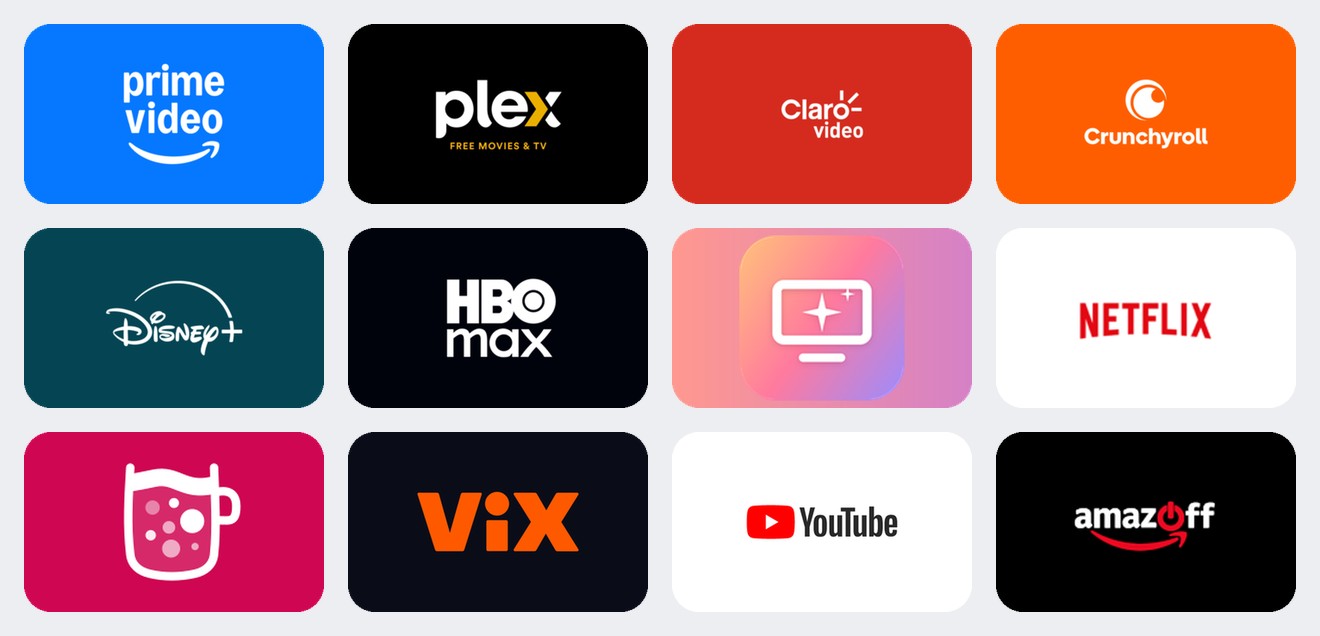
python3 tools/make-tiles.py 192.168.1.50  # tiles from your app icons
Undo everything: ./instalar.sh 192.168.1.50 --quitar and reboot the TV.
Prefer a guide?
Paste this prompt into ChatGPT, Claude, Gemini or any assistant that can read the web. Fill in your TV's details first: it reads the repo, checks if your TV fits and guides you one step at a time.
I want to install LGlow (https://github.com/IrvingGuerra/lglow) on my LG TV. Be my step-by-step guide.

My TV:
- Model: [e.g. 43LM5770PUA, on the sticker or in Settings → General → About this TV]
- webOS TV version: [e.g. 4.10.2]
- Software version: [e.g. 05.40.97]
- My computer: [macOS / Windows / Linux]

How to help me:
1. Read the repo's README.en.md and the English guides in docs/en/ first. Use them as the source of truth, not your memory.
2. Check compatibility before anything else. LGlow is made for 2019 LG TVs on webOS 4.5 with the full-screen home (com.webos.app.fullhome, firmware 05.40.09 or newer). Tell me honestly if my TV fits, and have me check root status on https://cani.rootmy.tv.
3. Walk me through the guides in order: 01 root, 02 Developer Mode trap, 03 SSH and update blocking, 04 install, 06 optional cleanup. One step at a time: wait for me to confirm or paste the output before moving on.
4. Explain what each command does before I run it, and warn me clearly before anything risky.
5. Never suggest writing to LG's read-only partitions, never tell me to open, reinstall or update LG's Developer Mode app, and don't update the TV's firmware.
6. If the installer says the files don't match my firmware, don't force it: help me port the patches following docs/en/05-how-it-works.md ("Regenerating the patches for another firmware").
7. If something goes wrong, the way back is ./instalar.sh <TV IP> --quitar and a reboot (docs/en/07-troubleshooting-and-uninstall.md).
Compatibility
What matters isn't the year on the box but how the TV's home is built. LGlow patches the QML home of webOS 4.5, so it fits the whole 2019 lineup with the full-screen home.
webOS 4.0
Rootable, but it never got the full-screen home LGlow is built on.
webOS 4.5
With the full-screen home LG rolled out in December 2023 (firmware 05.40.09+): B9 and UM/SM/LM LCDs first, then C9 and E9.
webOS 5 to 9
Also a QML home, so the technique carries over with new patches. But the latest firmware blocks the root exploit.
FAQ
LGlow never writes to LG's read-only partitions: the new home is mounted on top of the stock one at boot. Rooting is a separate step with its own risks, so read the guide first. Use at your own risk.
Run ./instalar.sh <TV IP> --quitar and reboot. The stock home comes back exactly as it was.
On webOS 4 nothing can run before root starts, about 42 seconds after a full power-on. With Quick Start+ on, the TV suspends instead of shutting down, so the new home stays between uses.
Not yet: the on-screen text is in Spanish and "For you" ships with Mexico's streaming providers. You can change the provider ids for your country in config.json.
No. The repo only ships patches and new components. The installer copies the stock home from your own TV and patches it there.
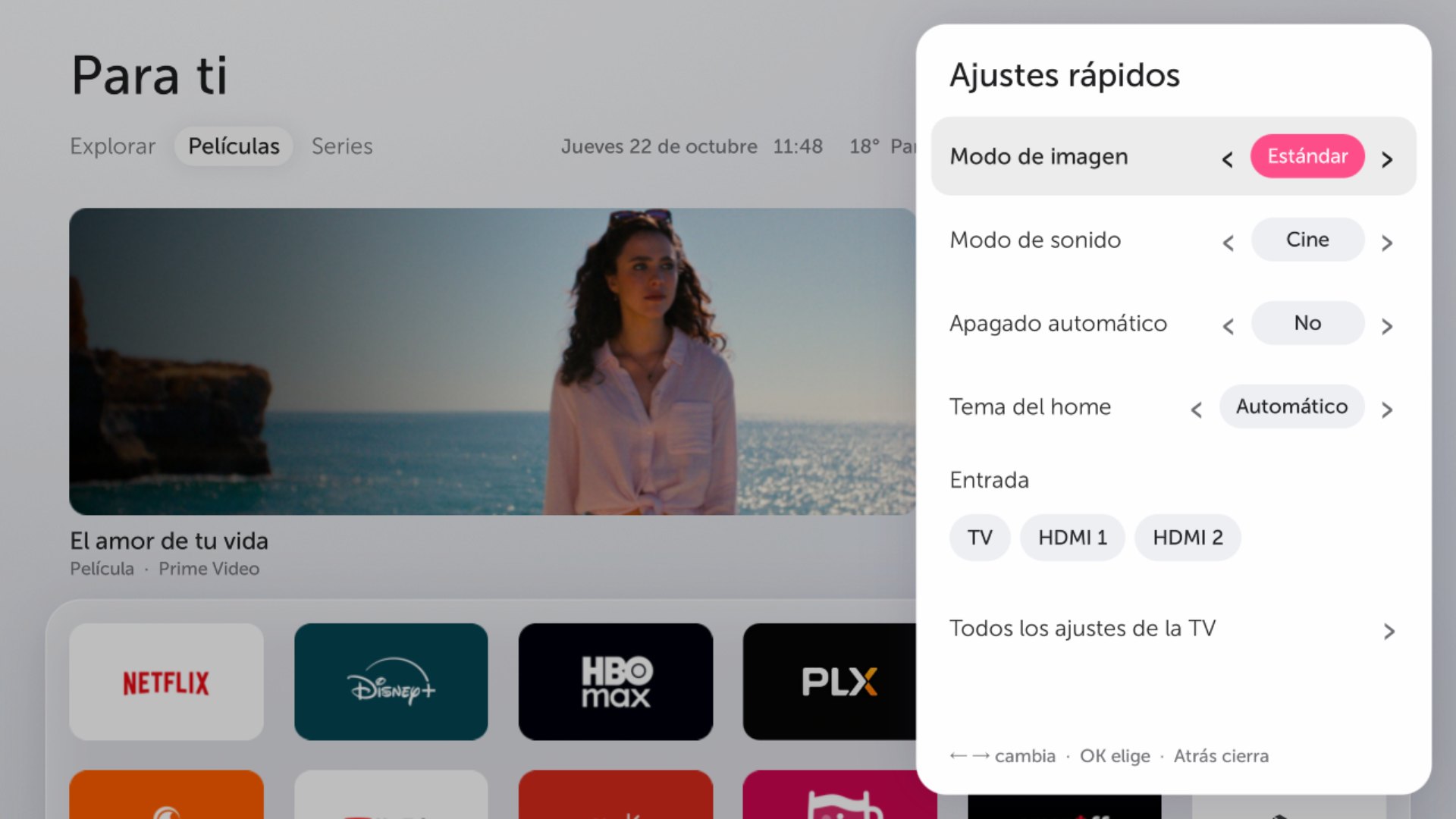
Yes: light, dark or automatic (light by day, dark by night, following your city's sunrise and sunset). Pick it from the theme button at the top of the home.
A little. You get more free memory and less swapping, but streaming apps are heavy web apps and the TV has 674 MB of RAM.
Free and open source, MIT licensed.
Get LGlow on GitHub